
Enhanced Questions
The following Forms have the ability to use and customized enhanced questions.
- Donate2 Enhanced Donation
- Flex2 Enhanced Flex
- Flex2 Package
- Flex2 Payment
- Stream2 Brightcove Gallery
- Stream2 Brightcove Beacon

Questions Types
There are 10 different questions types ranging from "Checkbox" to "Title/Rule". You can use these to customize the exact questions you want to ask.
- Checkbox
- Checkbox with Input
- Checkbox with Radio and Input
- Dropdown
- Radio
- Radio with Input
- Input
- Text Area
- Date/Time
- Title/Rule
Connection
Checkbox questions can have additional questions connected to them. The Checkbox is binary - it is either On or Off. This is what allows the connection to other enhanced questions.
Once questions are connected to the Checkbox question and the user select the checkbox, the additional questions will be displayed.
The Dropdown and Radio questions are not binary. There is no On or Off state. That is why they cannot be used for connected questions.
Example Checkbox with connected questions
[ ] Is this a Gift?
Connected questions do not show
[ X ] Is this a Gift?
Connected questions will show
Group
When you add a Group, you create a container to organize Question Types and Pre-built questions together so they can be grouped.
A group of questions can be:
- Easily moved together when you're building out your form
- Repeated based on the form type and the settings you choose
Grouping is available on these form types:
- Flex2 Enhanced Flex
- Flex2 Package
- Flex2 Payment
Here are the different kinds of repeaters for Groups
-
No Repeating
It does not repeat and only displays 1 group of questions

-
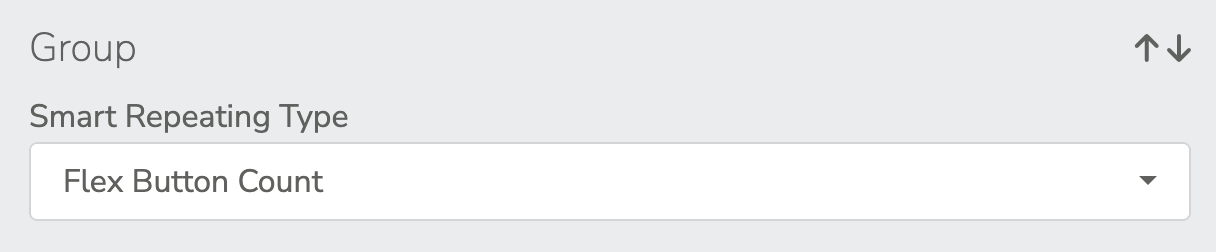
Flex Button Count
Repeats based on the number in the Count value for the selected button. Entering a value in the count field or configuring the button to use the Quantity field on the Flex2 Enhanced Flex Form will work.
If the button is selling a table for 6 at the gala. It could repeat the group 6 times.
For example:
When groups are repeating you can use the following tokens for labeling repeated groups.
If you wanted the text to read "Attendee 1 of 5"
1 = %index%
5 = %count%
Attendee %index% of %count% = "Attendee 1 of 5"
-
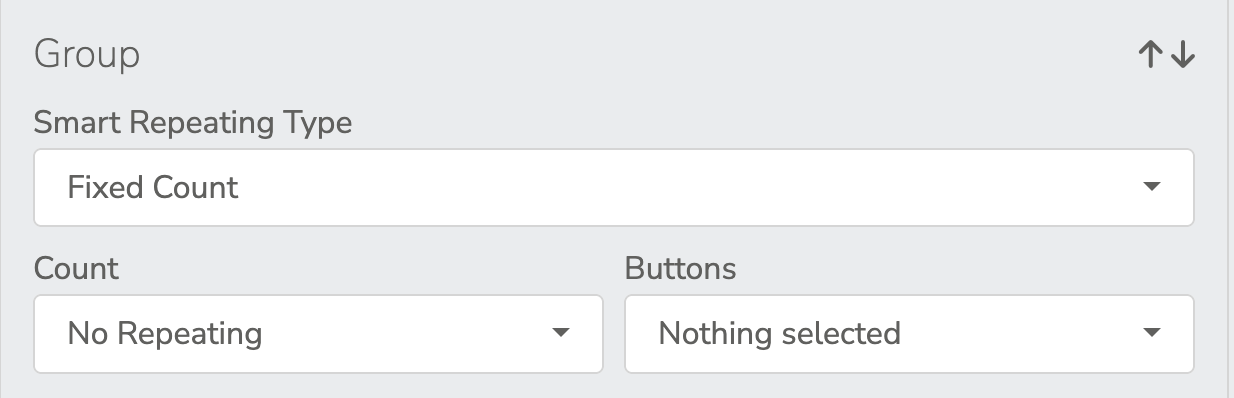
Fixed Count
Count
Repeats based on the number you selected in the Count dropdown 1-20
Buttons
Select the buttons you want the group to repeat on.
If your Under 30 Membership requires you to provide your birthday, you can set Count to 1 and Buttons to only have the Under 30 Membership button selected.
If your to top 6 out of 8 Memberships all require a secondary Cardholder name, you can set Count to 1 and Buttons to have the top 6 Memberships selected.
%index% and %count% work on Fixed Count
-
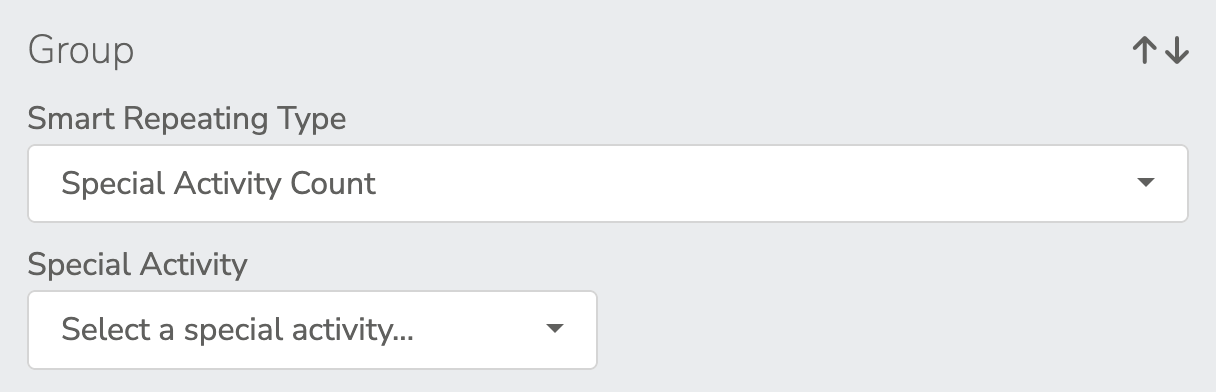
Special Activity Count
Special Activity
Repeats based on the number of attendees that are selected in the Special Activity
%index% and %count% work on Special Activity Count
Pre-built Questions
There are 7 different pre-built questions ranging from "Remain Anonymous" to "Birthday". You can use these "as is" or you can customize them to your needs.
- Remain Anonymous
- Fully Tax Deductible
- Wish to be Acknowledged
- Employer Match
- Other Notes or Requests
- Honor or Memory
- Birthday
Question Types
-
Checkbox
Can have Connections
-
Checkbox with Input
Can have Connections
-
Checkbox with Radio and Input
Can have Connections
-
Dropdown
Can be connected to a Checkbox
-
Radio
Can be connected to a Checkbox
-
Radio with Input
Can be connected to a Checkbox
-
Input
Can be connected to a Checkbox
You can validate for Email, Numeric or Phone Numbers
Max 100 Characters
-
Text Area
Can be connected to a Checkbox
Max 250 Characters
-
Date/Time
Can be connected to a Checkbox
-
Title/Rule
Can be connected to a Checkbox